

Resource Calendar




Document and track resource availability with clarity and precision. This structured Resource Calendar captures when people, equipment, and other project resources are available, on leave, or fully booked—providing the reliable inputs needed to build schedules grounded in real capacity.
Build Schedules on Verified Availability
A reliable schedule starts with verified availability—not assumptions. The PMplicity® Resource Calendar gives project managers a clear, organized way to capture when resources—human or non‑human—are truly available to support project work. By documenting working times, exceptions, allocation windows, and key constraints, it becomes the authoritative source for understanding real capacity from the start.


How the Resource Calendar Powers Step A
As part of Step A—Assemble the Schedule—in the B.A.S.I.C.S.® framework, the Resource Calendar ensures scheduling is grounded in verified availability rather than assumptions. It provides the accurate, up‑to‑date inputs needed to initiate task sequencing, workload planning, and assignment decisions, while highlighting any limitations that may affect timing or feasibility.
What's Included
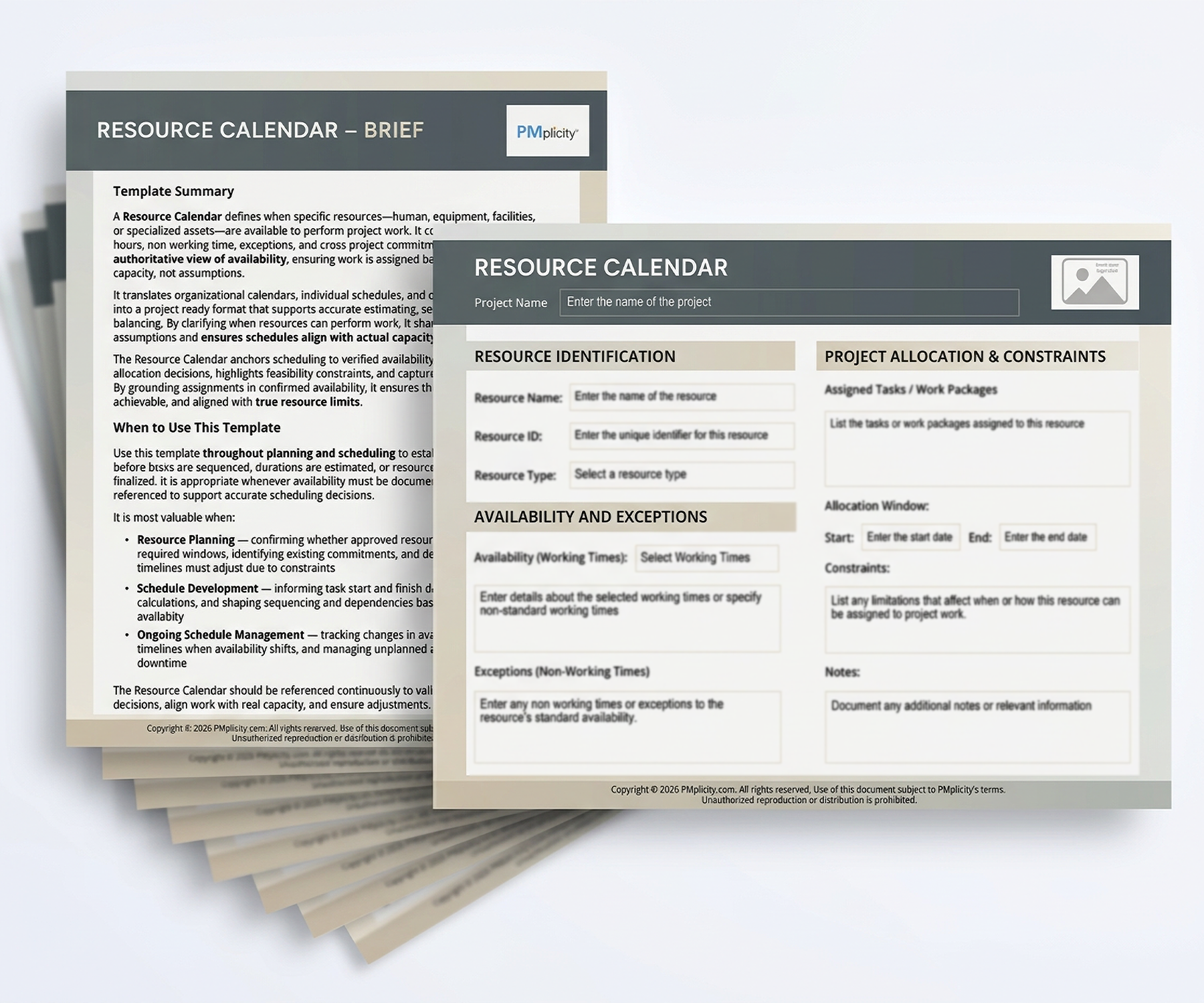
- Interactive Resource Calendar template — with fillable fields for capturing essential resource availability and capacity details
- Comprehensive Template Brief — with field‑by‑field guidance for accurate, intentional completion
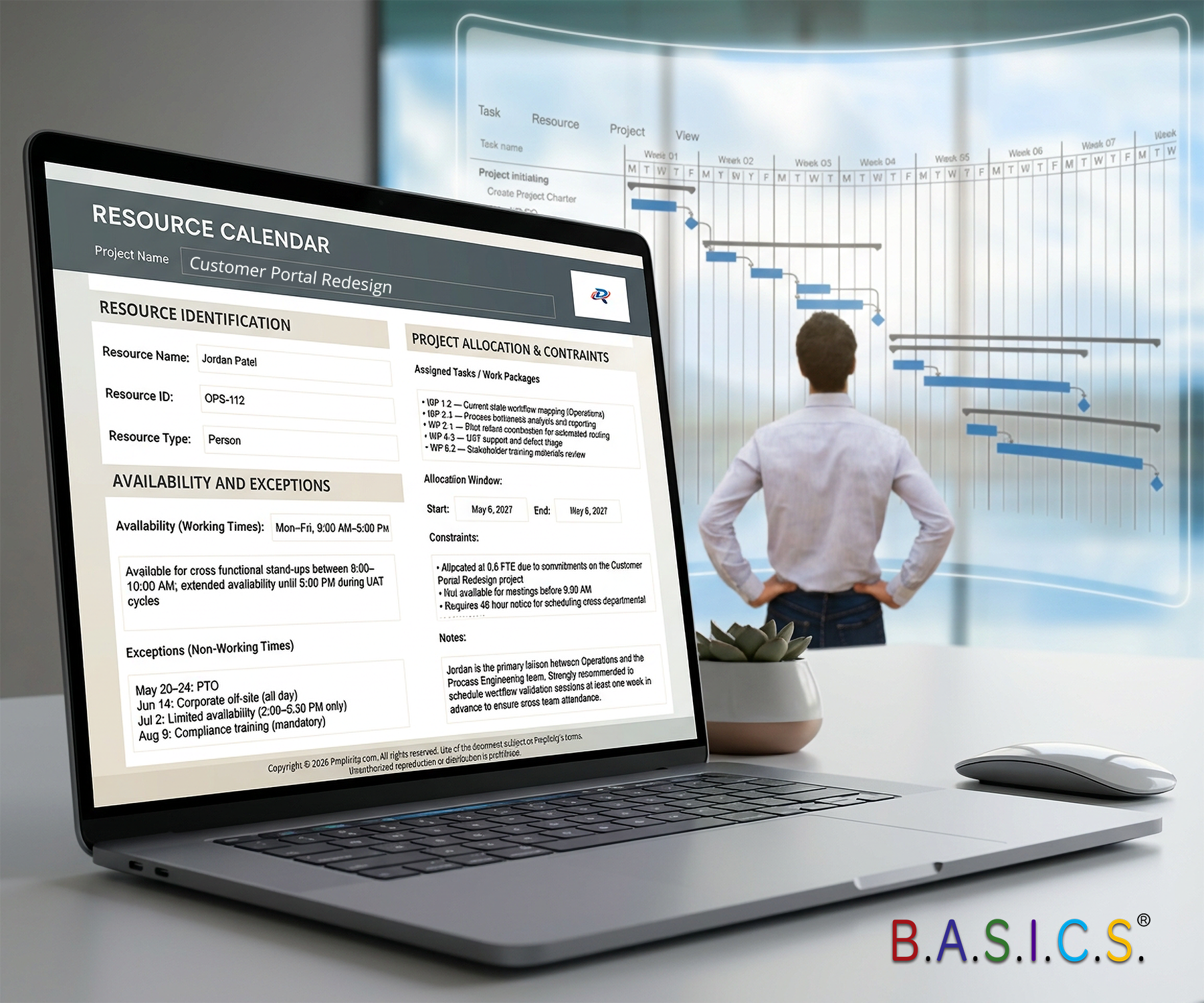
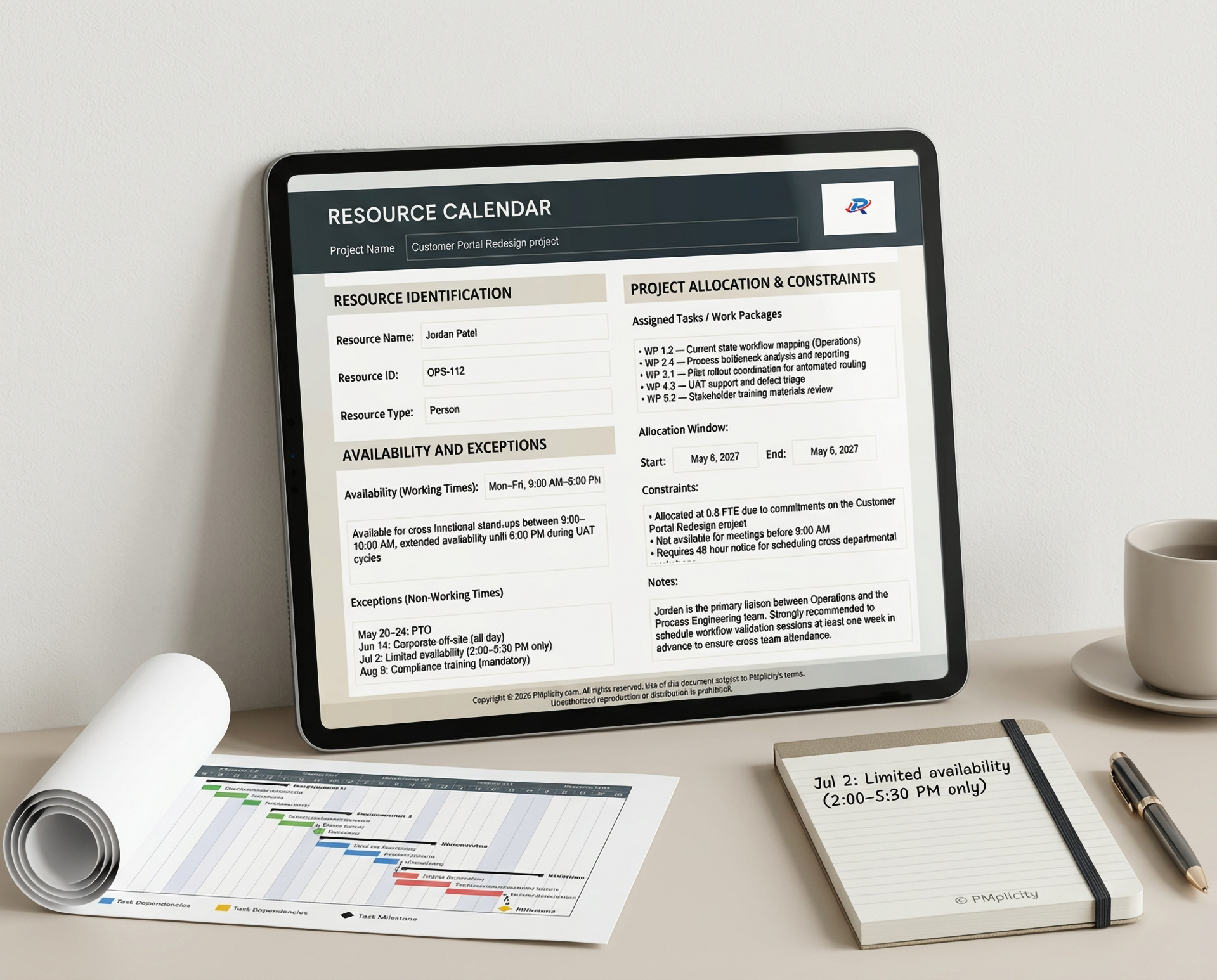
- Real‑world example entries — demonstrating clear, justifiable resource availability and allocation details
- Bonus Instructor Notes — for instructors adopting the Project Management B.A.S.I.C.S. book
See specific features below


Your Template Brief
A comprehensive, field‑by‑field Template Brief walks you through each section of the Resource Calendar, ensuring every entry is accurate, intentional, and aligned with real project conditions. It clarifies what information belongs in each field, why it matters, and how it supports reliable scheduling. This guidance removes ambiguity, strengthens consistency across contributors, and helps project teams maintain a clear, validated picture of resource capacity throughout the project.
Feature Highlights
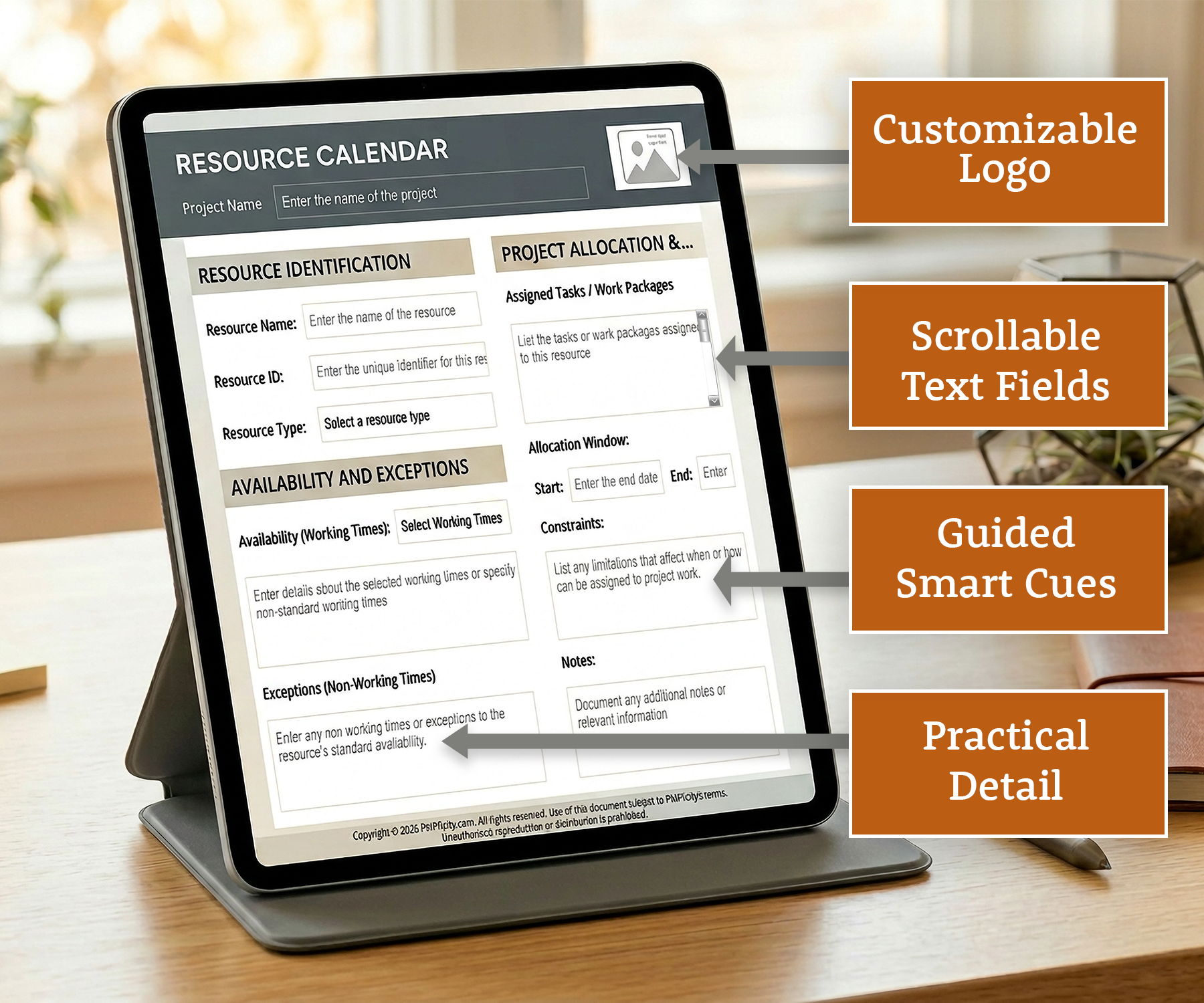
- Scrollable multi‑line fields — enabling detailed entries while preserving a clean, consistent format
- Built‑in instructional cues — guiding accurate, consistent completion across all sections
- Structured information design — organizing resource details in a clear, logical sequence that supports quick interpretation and reliable scheduling
- Customizable logo button — enabling one‑click professional branding
- Smart tab‑order navigation — supporting fast, efficient data entry
- Protected layout — maintaining formatting integrity and ensuring consistent use across teams
- Polished, professional design — presenting resource information with clarity and visual refinement
- High‑resolution print readiness — delivering stakeholder‑ready documentation in any format
- Comprehensive availability and allocation fields — documenting resource working times, non‑working exceptions, assigned tasks, and relevant constraints


Who This Template Is For
- Project professionals who need a reliable, structured way to track resource availability, capacity, and constraints across the project lifecycle
- New or “Accidental” project managers who benefit from clear guidance and structured support while building confidence in resource planning and scheduling
- Teams and organizations who must coordinate resource commitments, identify conflicts early, and maintain visibility into workload
- PMO leaders and organizations — seeking standardized, consistent resource‑tracking practices across teams and departments
- Students who are learning foundational resource‑planning skills and benefit from a clear, structured template that reinforces best practices for resource allocation and scheduling
- Instructors who want a classroom‑ready template that reinforces practical resource‑planning practices and effective scheduling
What This Template Helps You Achieve
- Accurate resource planning — by capturing availability, capacity, exceptions, and constraints in a clear, structured format
- Confident scheduling decisions — supported by reliable, well‑organized data that reduces guesswork and prevents over‑allocation
- Improved workload visibility — enabling teams to see who is available, when, and under what conditions
- Early conflict identification — helping you spot scheduling risks, competing demands, and resource bottlenecks before they impact the project
- Consistent resource‑tracking practices — standardizing how availability and allocation information is documented across teams
- Stronger stakeholder communication — supporting transparent discussions about availability, constraints, and scheduling impacts


